Half-Life: Blue Shift — a light title that runs on modest PCs: specs & FPS
2001 · Shooter, Action · Gearbox Software · ESRB Mature · Metacritic 71
Official system requirements
Publisher-published Minimum / Recommended values via RAWG, retrieved 2026-08-21. Real-world performance varies with drivers, resolution and your full build.
| Spec | Minimum | Recommended |
|---|---|---|
| OS | Minimum: 500 mhz processor, 96mb ram, 16mb video card, Windows XP, Mouse, Keyboard, Internet Connection | — |
| Processor | Recommended: 800 mhz processor, 128mb ram, 32mb+ video card, Windows XP, Mouse, Keyboard, Internet Connection | — |
| Memory | — | — |
| Graphics | — | — |
Multi-GPU FPS estimate
Estimated average FPS by GPU at 1080p / 1440p / 4K, derived from Half-Life: Blue Shift's demand tier (tier 3, Light (entry discrete GPU)) and published TechPowerUp-style relative-performance indices (RTX 4090 = 100), retrieved 2026-08-29. Planning estimates, not benchmarks.
| GPU | 1080p | 1440p | 4K |
|---|---|---|---|
| RTX 4090 | 285 | 188 | 108 |
| RTX 4080 Super | 256 | 169 | 97 |
| RTX 4080 | 246 | 162 | 93 |
| RX 7900 XTX | 273 | 180 | 104 |
| RX 7900 XT | 256 | 169 | 97 |
| RTX 4070 Ti Super | 218 | 144 | 83 |
| RX 7800 XT | 218 | 144 | 83 |
| RTX 4070 Super | 205 | 135 | 78 |
| RTX 4070 | 192 | 127 | 73 |
| RX 7700 XT | 198 | 130 | 75 |
| RTX 3070 | 179 | 118 | 68 |
| RX 6800 XT | 215 | 142 | 82 |
| RTX 4060 Ti | 158 | 104 | 60 |
| RX 6700 XT | 192 | 127 | 73 |
| RTX 3060 | 145 | 95 | 55 |
| RX 6600 XT | 163 | 108 | 62 |
| RTX 2060 | 131 | 86 | 50 |
| GTX 1660 Super | 108 | 71 | 41 |
| RX 580 | 125 | 83 | 48 |
| GTX 1060 6GB | 102 | 68 | 39 |
| GTX 1650 | 82 | 54 | 31 |
| Intel Arc A770 | 166 | 110 | 63 |
| UHD 770 (integrated) | 33 | 22 | 13 |
Method: a game's demand tier maps to a “GPU index needed for ~60 FPS at 1080p”; each GPU's relative index produces an estimate via a diminishing-returns curve, then scaled for resolution. Source: TechPowerUp GPU database (relative performance), 2026-08-29.
For the full hardware spec sheet and a deeper performance breakdown, see Full specs & performance data on GameFigs.
Age rating & regional compliance
GameRulePro pairs each title with its ESRB age rating and, where documented, real regulatory notes on loot boxes, skin gambling and randomized monetization. Every line is source-linked and labeled with its retrieval date. This is an educational reference, not legal advice — verify the specifics that apply to your jurisdiction.
| Field | Value | Source |
|---|---|---|
| Age rating | ESRB Mature | ESRB rating via RAWG.io, retrieved 2026-08-21. |
Similar games you may tune or rule next
Left 4 Dead 2
2009 · Shooter, Action
Open profile →Half-Life 2
2004 · Shooter, Action
Open profile →BioShock Infinite
2013 · Shooter, Action
Open profile →Borderlands 2
2012 · Shooter, Action
Open profile →BioShock
2007 · Shooter, Action
Open profile →Destiny 2
2017 · Shooter, Action
Open profile →PAYDAY 2
2013 · Shooter, Action
Open profile →DOOM (2016)
2016 · Shooter, Action
Open profile →Best graphics settings for Half-Life: Blue Shift
Pick your PC and get a starting preset — resolution, upscaler, shadows, ray tracing and an FPS cap — tuned to how demanding Half-Life: Blue Shift is on hardware. Print it and tune from there. Everything runs in your browser.
Best graphics settings for Half-Life: Blue Shift
Half-Life: Blue Shift hardware-demand tier: 3/9. Pick your PC above to get a starting preset, then tune up if you have FPS headroom or down if you're under your target.
Estimated starting point — real FPS depends on drivers, thermals and background load.
Half-Life: Blue Shift — Best settings (Mid-range (GTX 1660 – RTX 3060))
Generated at GameRulePro · 2026-09-25
Release, patch & rule-change notes
Official release date: 2001-06-01. Ongoing patches and version history are published by the developer — for the latest patch notes, see the official store or support page. GameRulePro summarizes the official release only and does not invent patch dates. When a developer ships a rule-affecting update (balance pass, mode change, or ranked-reset), re-run the generator above to keep your house rules in sync.
About Half-Life: Blue Shift
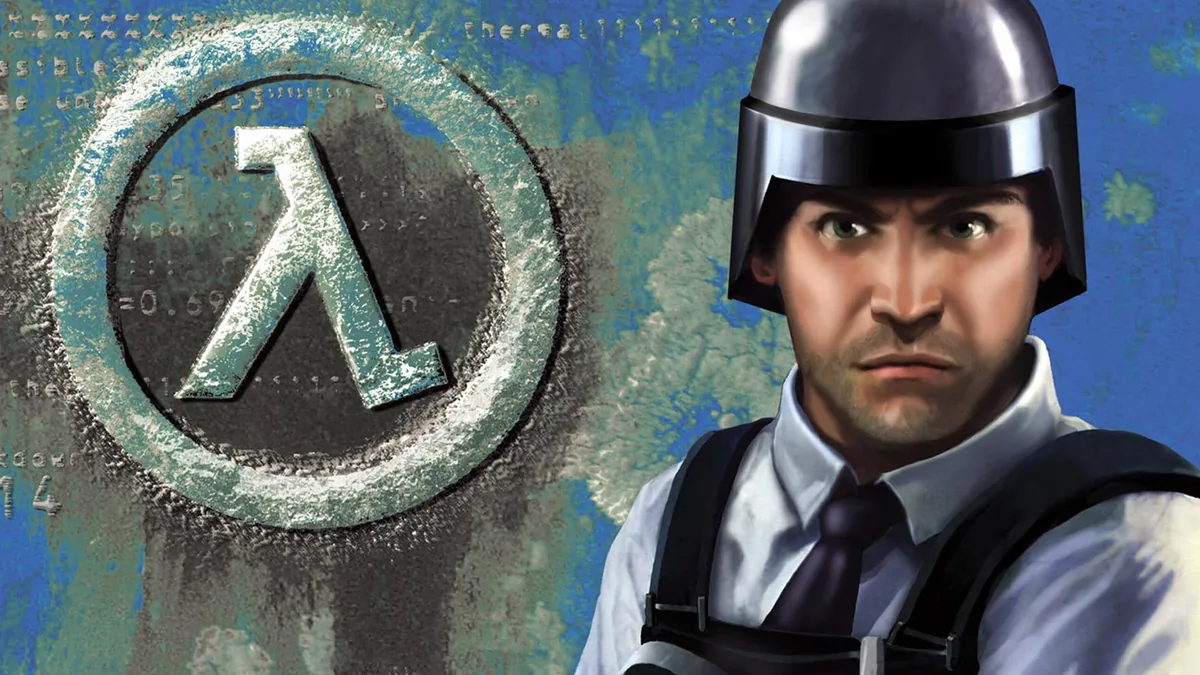
Half-Life: Blue Shift is the second (after Opposing Force) expansion pack for the original first-person shooter Half-Life. The game setting is the same as the one in the original game: the story takes place in the science laboratory called Black Mesa Research Facility in New Mexico. However, the game portrays the events of Half-Life through the eyes of Barney Calhoun a security guard employed by Black Mesa. Till the things have gone the wrong way the protagonist was responsible for the lab equipment and personnel welfare, but after the accident, his only aim is to protect a high-ranked scientist Dr. Rosenberg. The gameplay is almost similar to the original Half-Life’s: the storyline continues by navigating through the sequence of levels. Each level consists of both combat part and solving puzzles. Although Blue Shift is an expansion to the original Half-Life, both weaponry and enemies range face no changes or additions, so players use same guns to shoot same aliens. The only new mechanics is escorting a character to a specific location.
Performance reality & how to tune Half-Life: Blue Shift
GameRulePro editorial — these notes are based on Half-Life: Blue Shift's published specifications and genre profile, not a single benchmark run. Use them to set expectations before you open the settings menu.
As a 2001 fast-paced shooter title, Half-Life: Blue Shift sits at demand tier 3 (Light (entry discrete GPU)) — light on PC. It is light enough for older hardware and even integrated graphics at lower settings.
What to tune first on Half-Life: Blue Shift
- Drop shadows, ambient occlusion and volumetric fog first — they cost the most FPS for the least visual change.
- Disable ray tracing unless you have a high-end GPU; it rarely changes competitive feel.
- Cap the frame rate to your monitor refresh to keep input lag consistent.
The FPS table above is a model estimate from the demand-tier + GPU-index method. Real frame rates vary with drivers, background apps, thermals and resolution. Treat it as a buying or upgrade planning aid, then verify in-game. For step-by-step fixes, see the crash-fix and optimization guides linked on this page.
Sources & attribution
- Game data (release year, genres, platforms, system requirements, description, cover art) via RAWG.io, retrieved 2026-08-21.
- GPU relative-performance indices via TechPowerUp GPU database (relative performance), retrieved 2026-08-29.
- FPS estimates on this page are GameRulePro planning estimates from the demand-tier + GPU-index model — not benchmark results.
- House rules and tournament formats are community-style templates for casual play, not official rulebooks.
- Pre-launch intelligence (release windows, settings, editions, pricing, beta dates) is compiled from each title's official publisher / studio announcements and is source-linked per item with its retrieval date (2026-09-09). Where a detail is from reporting rather than a primary source, the item's source line states so. This is preview material, not an official specification.
- Per-game age-rating & regional compliance reference (ESRB rating via RAWG; curated regulatory notes) from the GameRulePro game-rules dataset, retrieved 2026-08-29.
How the Half-Life: Blue Shift FPS estimate and rules generator are computed
Each game is scored on a 0–9 demand tier from its published PC requirements (and a year/genre fallback when requirements are absent). The FPS estimate compares your selected GPU's relative-performance index against the tier's required index using a diminishing-returns curve, then scales for resolution. The rules and tournament builder is a community-style template engine: it formats your group size, match format and tiebreaks into a printable sheet. All outputs are planning guides — verify in-game and agree house rules with your group before play.
Do more with Half-Life: Blue Shift
Can I run it? FPS calculator
Estimate frame rates at 1080p, 1440p and 4K for your exact GPU.
Open →Step 2Crash fixes & FPS optimization
Every fix and optimization guide for this and every other title.
Open →Browse all 335 games
Compare requirements and projected FPS across the whole database.
Open →2026-2027 release calendar
Launch dates and platforms for upcoming titles.
Open →